> ## Documentation Index
> Fetch the complete documentation index at: https://docs.galileo.ai/llms.txt
> Use this file to discover all available pages before exploring further.
# Creating a new run
> Four steps to pick a metric and launch a fine-tuning job.
This guide walks you from a blank slate to a queued training run in four steps. Each step adds one ingredient to the run; the final step lets you review and launch.
## Create a new run
From the project's [Training runs](/luna-studio/ui/projects/training-runs-home) page, click **New run** in the top right. The run-creation flow takes over the page.
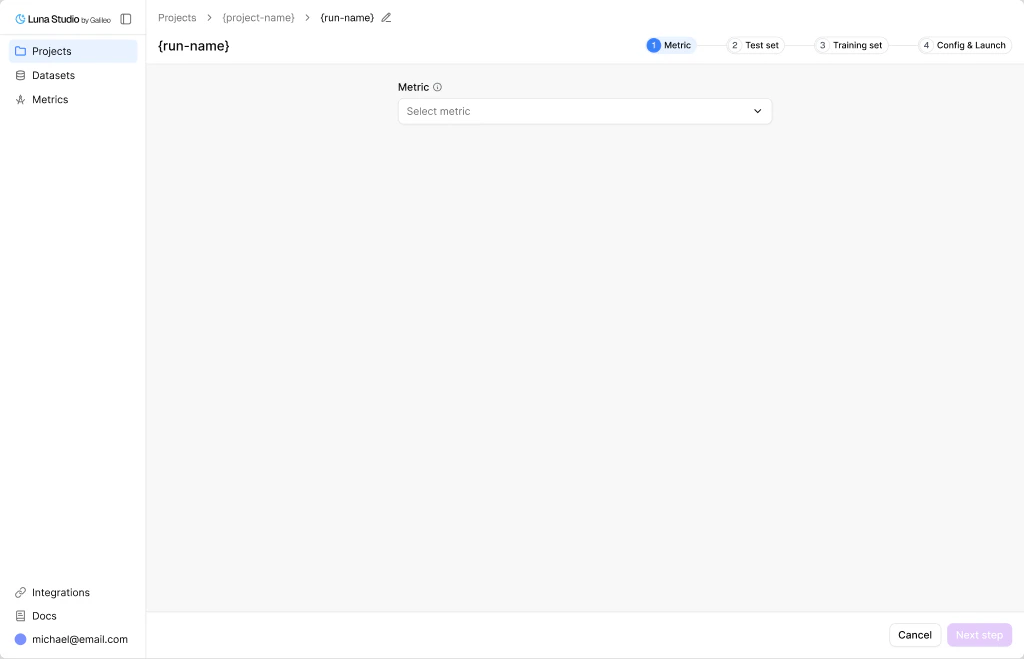 ## The four steps
Pick a predefined metric or write a custom prompt.
Select or upload the labelled dataset Luna will evaluate against.
Generate from the test set, or upload your own production logs.
Review summary, pick a base model, and launch.
## The four steps
Pick a predefined metric or write a custom prompt.
Select or upload the labelled dataset Luna will evaluate against.
Generate from the test set, or upload your own production logs.
Review summary, pick a base model, and launch.