Org-level Roles
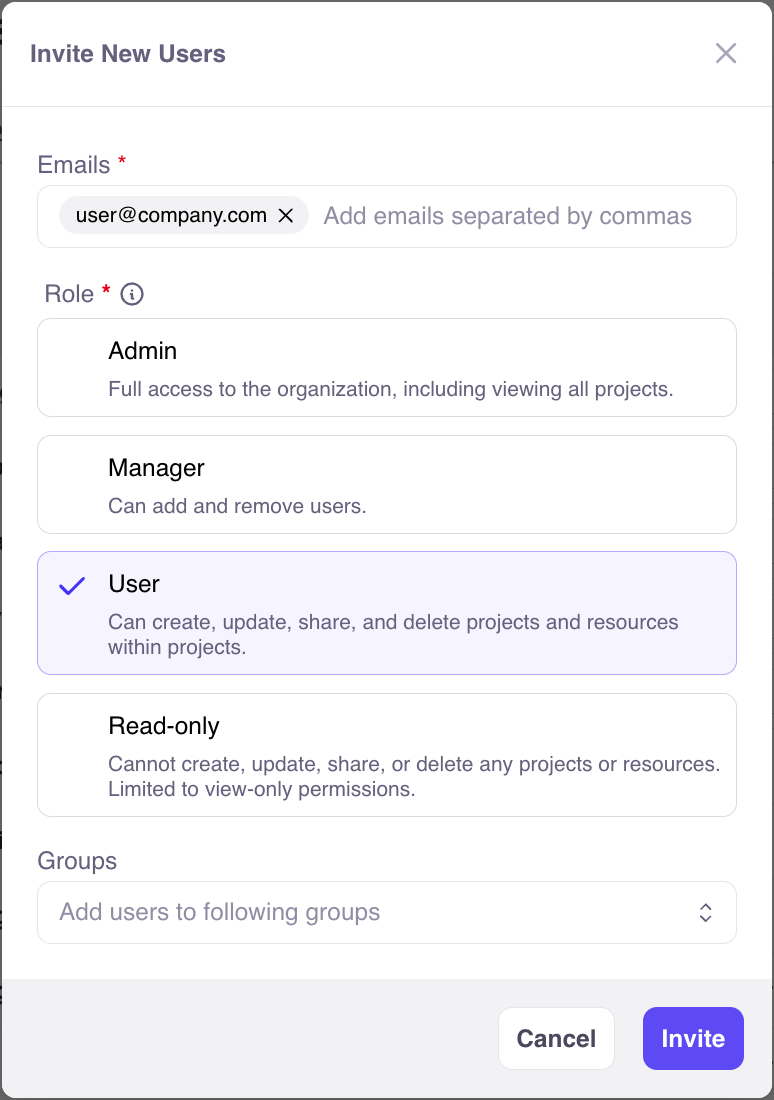
There are four roles that a user can be assigned:- Admin - Full access to the organization, including viewing all projects.
- Manager (enterprise only) - Can add and remove users.
- User - Can create, update, share, and delete projects and resources within projects.
- Read-only - Cannot create, update, share, or delete any projects or resources. Limited to view-only permissions.
Org-level roles are chosen when users are invited to Galileo:
Metric Access
A metric can be global (available in every project) or project-scoped (available only in projects it is shared with). A user’s project role determines their access to project-scoped metrics. Org-level admins have full access to metrics through their org-level role. Org-level managers and users get metric access only through their project roles. The following table describes metric access by project role:
Additional considerations:
- Read-only users can view metrics and submit auto-tune feedback, regardless of their project role.
- Project roles apply to the projects a metric is shared with. For example, an editor of Project A can edit a metric shared with Project A even if it is also shared with Project B, where they have no role.
- Users see auto-tune feedback only from projects they can view. Only feedback from projects they own or edit is used when they apply auto-tune.
Groups (enterprise only)
Users can be organized into groups to streamline sharing projects. Currently, groups are only available to customers on paid plans of Galileo. There are 3 types of groups:- Public - Group and members are visible to everyone in the organization. Anyone can join.
- Private - Group is visible to everyone in the organization. Members are kept private. Access is granted by a group maintainer.
- Hidden - Group and its members are hidden from non-members in the organization. Access is granted by a group maintainer.
- Maintainer - Can add and remove members.
- Member - Can view other members and shared projects.
Share Projects
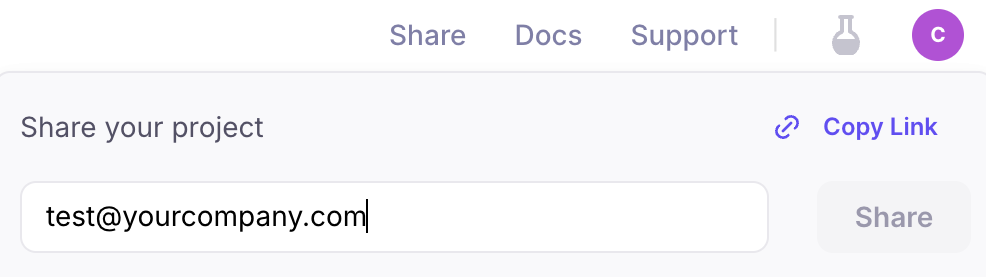
By default, only a project’s creator (and managers and admins) have access to a project. Projects can be shared both with individual users and entire groups. Together, these are called collaborators. How to share a project with collaborators: