

- Decision model metrics
- LLM-as-a-judge metrics
- Luna metrics
- Code-based metrics
- Composite code-based metrics
Which metric should I use?
Metrics can use decision models, LLMs, Luna small language models (SLMs), or code to evaluate inputs and outputs. Choose a metric type depending on the reasoning and specialization you need:
The following table describes the differences between decision model and LLM-as-a-judge metrics:
How do I use metrics effectively?
To get the most value from Galileo metrics:- Start with key metrics: Focus on metrics most relevant to your use case.
- Establish baselines: Understand your current performance before making changes.
- Track trends over time: Monitor how metrics change as you iterate on your system.
- Combine multiple metrics: Look at related metrics together for a more complete picture.
- Set thresholds: Define acceptable ranges for critical metrics.
- Improve the metrics: Use CLHF to continuously improve metrics.
Set up an LLM or decision model integration
This step is required to use LLM-based out-of-the-box, LLM-as-a-judge, and decision model metrics.1
Navigate to the Integrations page
In the Galileo console UI, navigate to the LLM integrations page by opening the user menu on the bottom-left corner, and then selecting Integrations.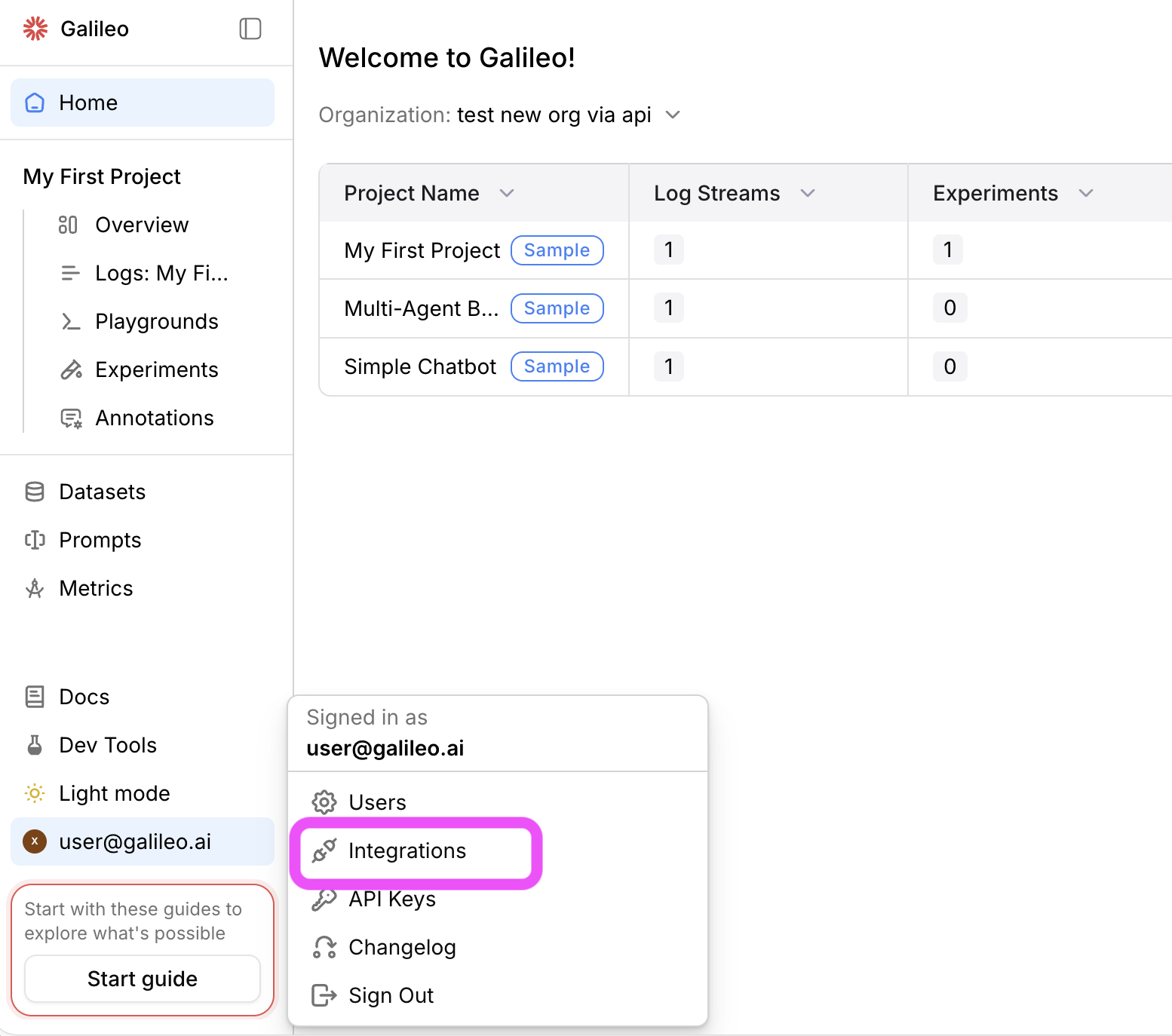
2
Add an integration
Locate the provider you are using or specify a custom integration. Select the +Add Integration button.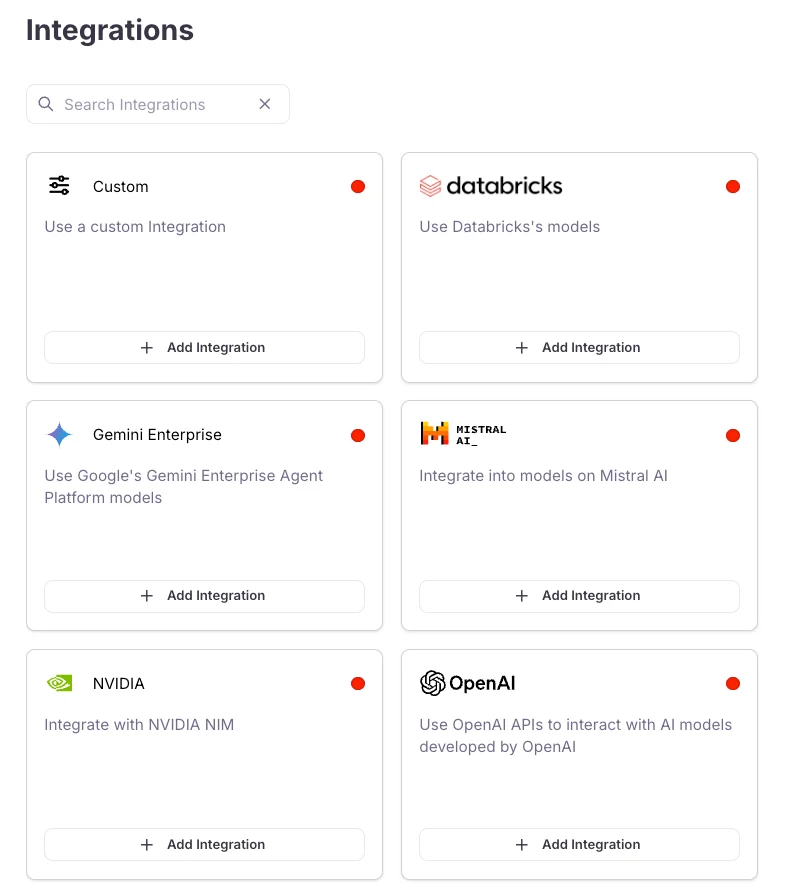
3
Add settings
Specify settings for your integration (such as an API key), then select Save changes.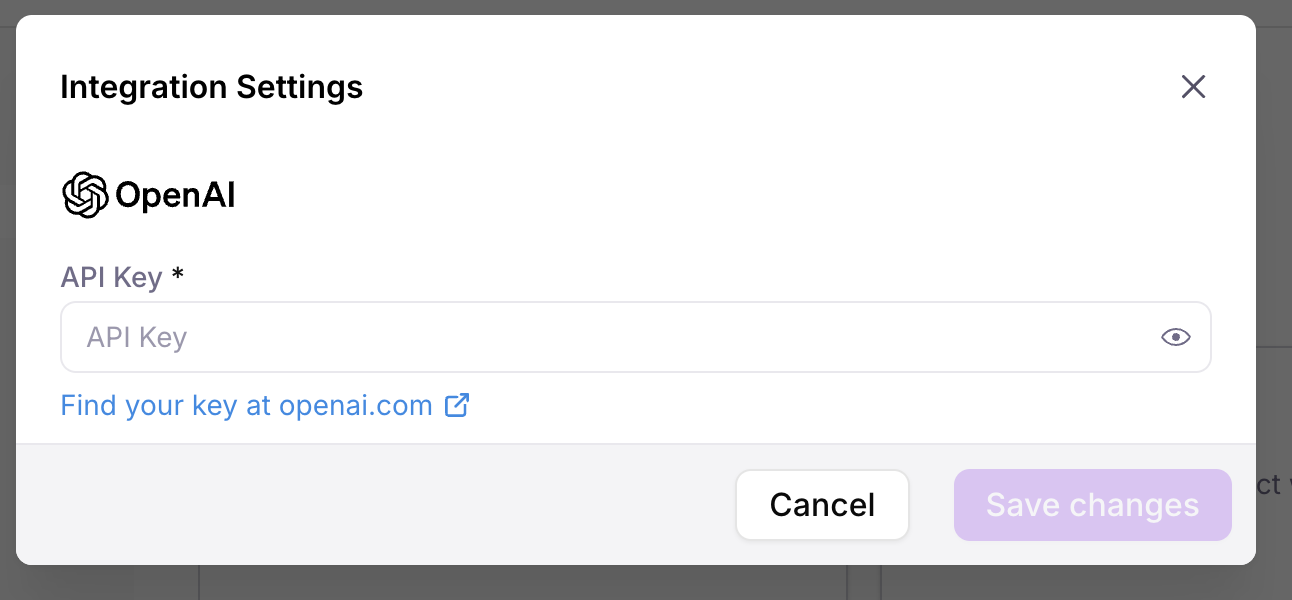
Next steps
Out-of-the-box metrics
Learn about the pre-built metrics you can use to monitor AI system performance.
Custom decision model metrics
Learn how to create decision model metrics for fast, structured judgments.
Custom LLM-as-a-judge metrics
Learn how to create LLM-as-a-judge metrics to assess the quality of responses.
Custom code-based metrics
Learn how to create custom code-based metrics to evaluate your LLM applications.
Improve LLM-as-a-judge metrics with Autotune
Learn how to improve your LLM-as-a-judge metrics using expert feedback with Autotune.