

This guide walks you from a blank slate to a queued training run in four steps. Each step adds one ingredient to the run; the final step lets you review and launch.Documentation Index
Fetch the complete documentation index at: https://docs.galileo.ai/llms.txt
Use this file to discover all available pages before exploring further.
Create a new run
From the project’s Training runs page, click New run in the top right. The run-creation flow takes over the page.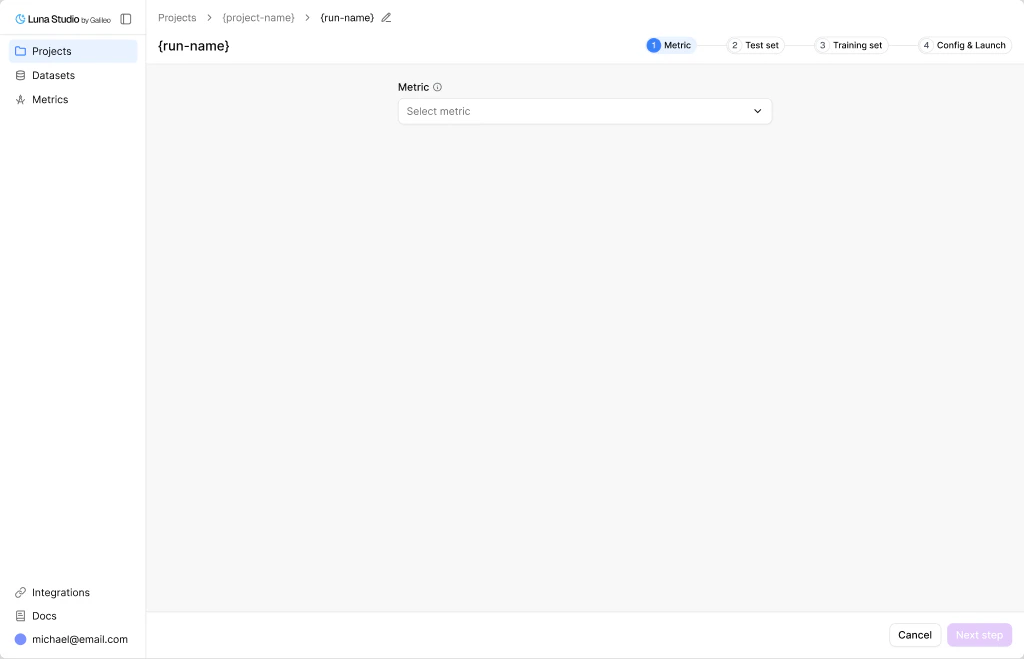
The four steps
Step 1 — Metric
Pick a predefined metric or write a custom prompt.
Step 2 — Test set
Select or upload the labelled dataset Luna will evaluate against.
Step 3 — Training set
Generate from the test set, or upload your own production logs.
Step 4 — Config and launch
Review summary, pick a base model, and launch.