

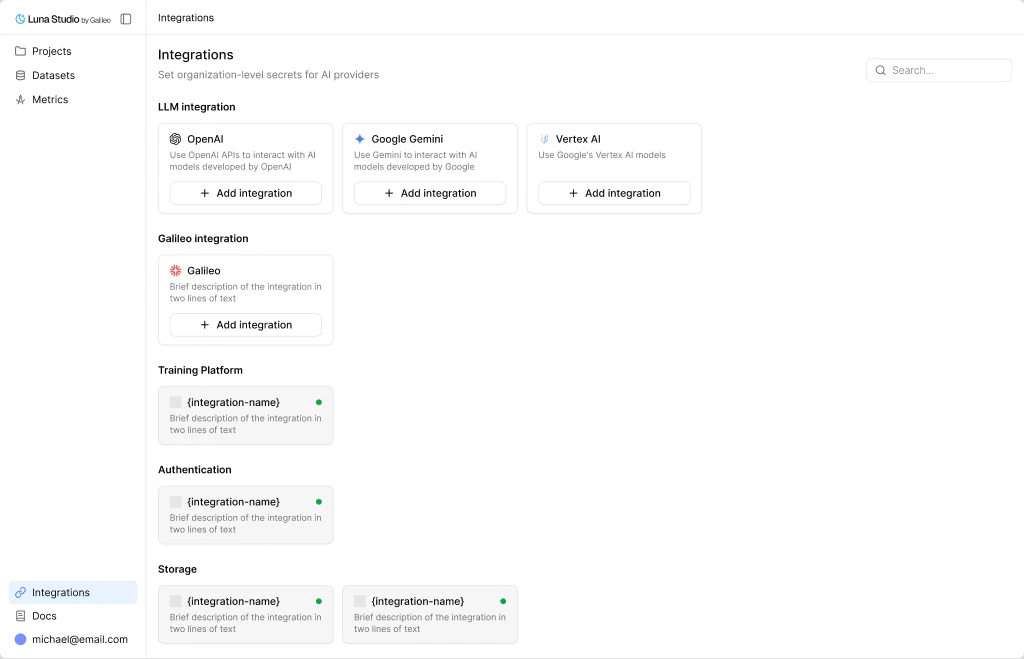
The Galileo integration connects Luna Studio to the rest of the Galileo platform with a single API key.Documentation Index
Fetch the complete documentation index at: https://docs.galileo.ai/llms.txt
Use this file to discover all available pages before exploring further.
When you need it
The Galileo integration unlocks two platform features:- Import from Galileo — pull datasets from your Galileo workspace into Luna Studio. Available when adding a dataset and in Step 2 and Step 3 of the run creation flow.
- Register metric — publish a fine-tuned metric from Luna Studio into the Galileo metrics store, where it becomes available across evaluation, observability, and guardrails. See Register a metric.
Add the integration
Update or remove
- Update — replace the API key if it changes.
- Remove — disables Import from Galileo and Register metric for future use across the org.
Where to go next
- Import a dataset → Add a dataset.
- Register a fine-tuned metric → Register a metric.
- Other integrations → Integrations overview.